
Why PDFs Convert Badly to EPUB
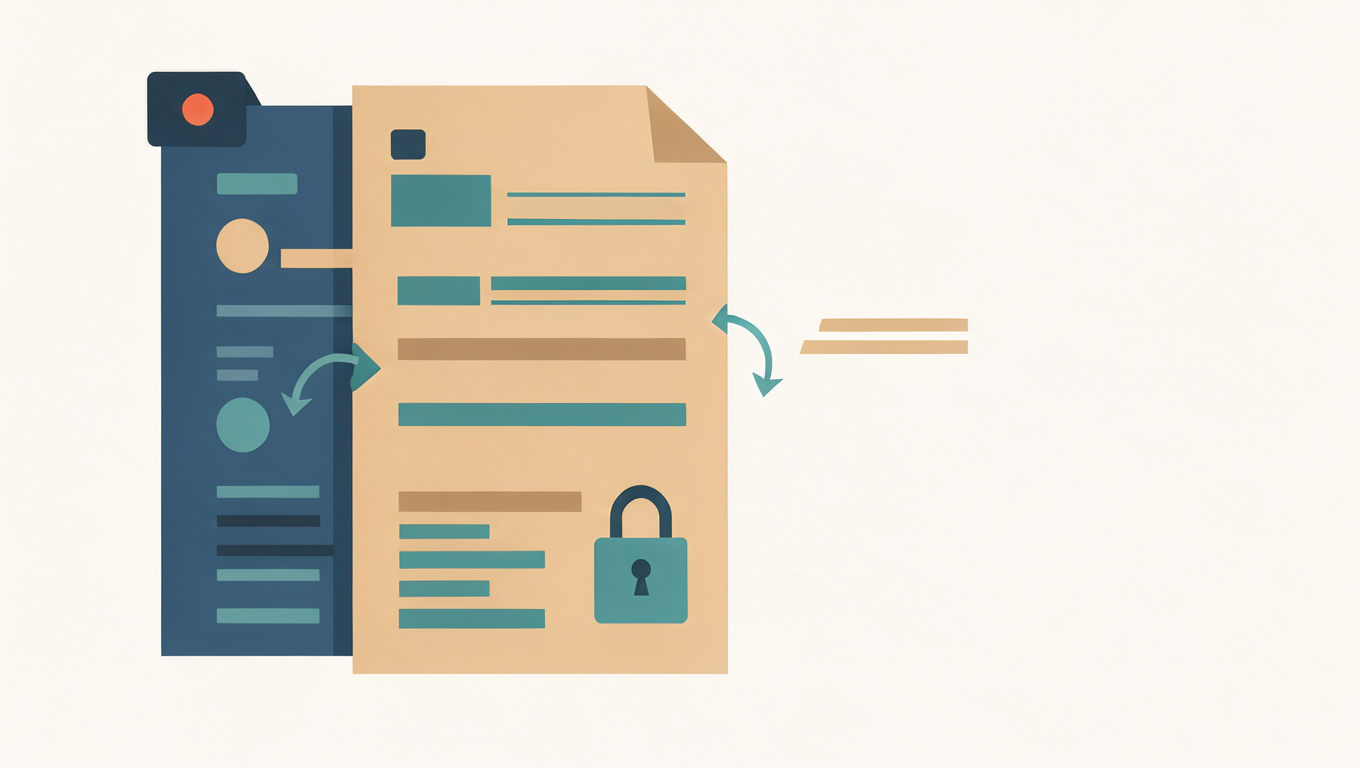
A PDF is a picture of a page, even when that page contains real text. Positions are fixed: this word goes at this coordinate, this line ends here. An EPUB is the opposite. It stores a sequence of text and lets the reader decide the page size, the font, and the line breaks. Converting from one to the other is not a format change but a translation between two different ideas of what a page is.
The PDF to EPUB converter handles text-based PDFs and runs in your browser. This article explains where the conversion loses information, so you can judge the result fairly.
Quick answer
A PDF stores fixed positions and an EPUB stores text flow, so the converter has to infer the structure the PDF never recorded. Paragraphs, reading order, headers, and columns are guesses. Text-based PDFs convert reasonably; scanned PDFs convert poorly because the page is an image and the words must be recognised first.
Positions are not structure
In a PDF there is no paragraph, only lines placed at coordinates. Whether a line is a heading, a caption, or body text is a matter of font size and position, not markup. The converter has to guess, and it guesses from size and spacing. A short bold line is usually treated as a heading, which is right often enough to be useful and wrong often enough to need checking.
Reading order is inferred the same way. In a single-column page it is straightforward. In a newsletter with two columns and a sidebar, the converter has to decide whether to read down the first column or across the page, and either choice produces nonsense for some layouts.
Where it goes wrong most often
- Multiple columns, where text from different columns gets interleaved.
- Tables, whose cell boundaries are drawing instructions rather than rows and columns.
- Headers and footers, which repeat on every page and end up inside the paragraphs.
- Captions and sidebars, which may be moved into the middle of a sentence.
- Scanned pages, where nothing can be read until the text is recognised.
Scanned PDFs are a separate problem
If the PDF is a scan, there is no text in it at all, only an image of text. Converting it to EPUB requires recognising the characters first, and recognition introduces its own errors: similar letters confused, broken words, columns merged. A scanned book usually converts badly, and the honest options are to read it as a PDF or to find a proper text edition.
If the scan needs to be searchable rather than converted, recognition on its own is the right step. Read How to Pull Text Out of an Image or Scan for that route.
Getting a usable result
Start with a text-based PDF, convert it, then read the first two chapters rather than the first page. Check that headings sit above their sections rather than inside them, that no repeated header has leaked into the body, and that the paragraphs are not broken at every line.
If the result is close but not clean, converting is still faster than retyping. Fix it in an EPUB editor rather than converting the PDF again, because a second conversion will reproduce the same guesses.
For choosing between the two formats in the first place, read PDF or EPUB? Choosing a Format for Your E-Reader. For the transfer step once you have an EPUB, see How to Send a PDF or EPUB to a Kindle.
Open PDF to EPUB, convert the file, and check the opening chapters before copying it to your reader.
Common questions
Why does my PDF convert to EPUB so badly?
A PDF records where text sits rather than what it is, so paragraphs, headings, and reading order must be guessed from position and font size. In multi-column layouts, tables, and pages with sidebars, those guesses fail and the text arrives in the wrong order.
Can a scanned PDF be converted to EPUB?
Only after the text is recognised, and recognition introduces its own errors: similar letters confused, words broken, columns merged. A scanned book usually converts poorly. It is often better to read the scan as a PDF or to find a proper text edition.
How do I check the conversion before reading?
Read the first two chapters rather than the first page. Confirm that headings sit above their sections, that repeated headers have not leaked into the paragraphs, and that lines are not broken at every original line ending. Fixing a close result in an editor beats converting again.