
Why Merged PDFs Get So Large
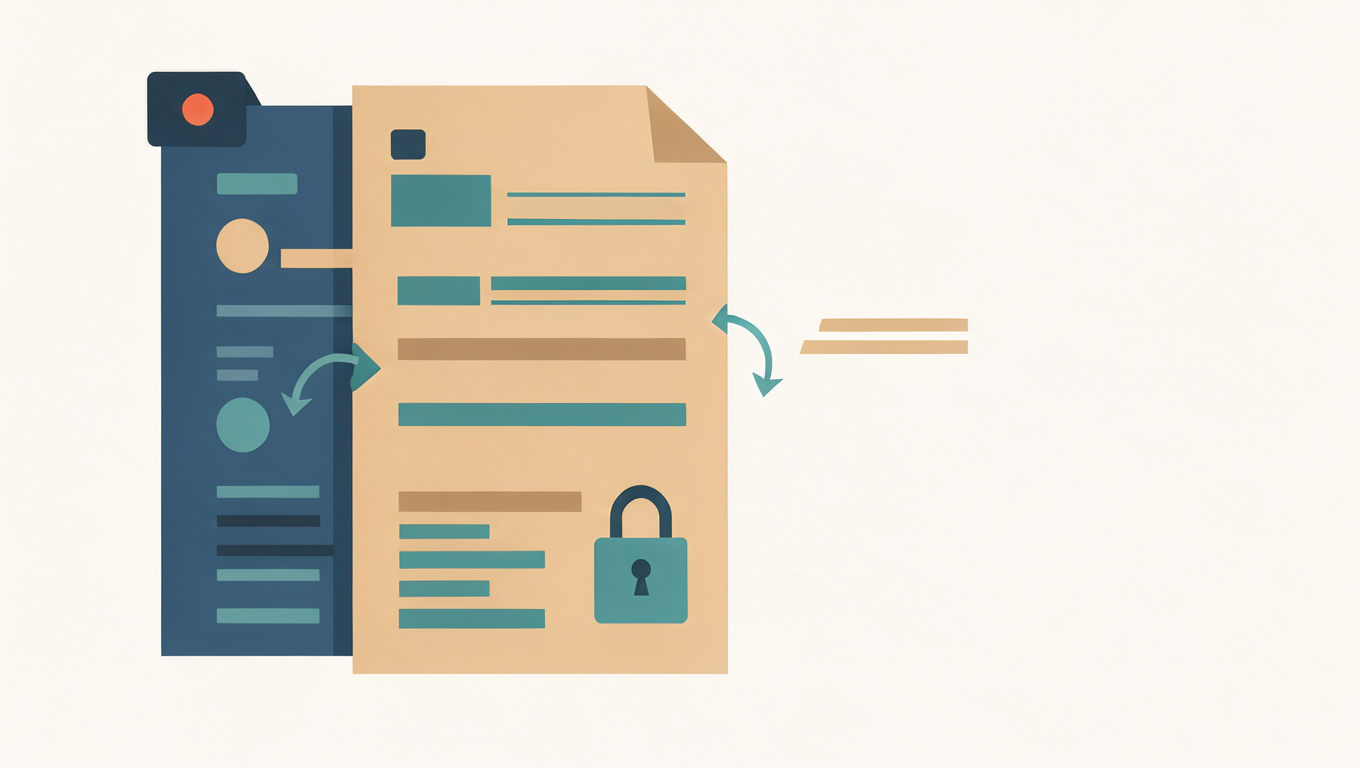
Combine four ten-page PDFs and you expect a file roughly the size of the four added together. Often the result is larger than that, sometimes much larger. The cause is not the merge itself. It is that each source file carries its own resources, and merging copies them rather than sharing them.
The Merge PDF tool combines documents in the order you choose without uploading them. This article explains where the extra size comes from and what you can do about it.
Quick answer
Every PDF stores its own fonts, images, and metadata. When files are merged, those resources are copied for each document instead of being shared, so the same typeface embedded in five files ends up stored five times. Scanned pages add their own weight because each page is a full image. The merged size is usually close to the sum of the sources, and larger when fonts or images are duplicated across them.
Each file brings its own resources
A PDF is a container. Inside it are the page content streams, plus the fonts, images, colour profiles, and structural tables those pages rely on. A ten-page report might embed three font families, a logo, and a dozen charts. None of that is shared with the next file you add.
A merging tool that preserves fidelity copies the resources each document needs. Five files that each embed the same 400 KB serif font produce five copies of that font. This is why the merged file can exceed the sum of its parts, particularly when documents come from the same office template.
Scanned pages weigh more than text
A page of typed text costs a few kilobytes because it is stored as characters and drawing instructions. A scanned page is a photograph of that text, so the same page can cost hundreds of kilobytes. A 200-page scan is therefore far heavier than a 200-page text document, and merging several scans multiplies that weight.
If a scanned document needs to be smaller, the useful step is to reduce the image resolution or recompress the pages before merging, not to merge and hope. A resolution around 150 dots per inch is usually readable on screen and much lighter than 300.
What you can do about it
- Merge fewer files at a time, and keep the sources so you can rebuild the combined document if needed.
- Reduce large scanned pages before merging rather than after, so you are not carrying the weight through every later step.
- Accept that text-only documents are already close to their minimum, and further shrinking will not help much.
- If a scanned document can be recognised into text, a searchable copy is often smaller than the original images.
When the size is not actually a problem
Large is not the same as broken. A merged file of several megabytes opens normally and prints normally. Size matters mainly when you are sending the file by email or uploading it to a form with a limit. Check what that limit is before spending time trying to shrink a file that is already accepted.
If the merged result must fit a specific limit, merge the pages you need rather than the whole documents. To pick out individual pages first, read How to Extract Pages from a PDF. For the ordering problem that follows a merge, see How to Combine PDFs in the Right Order.
Open Merge PDF, add the files, and check the combined size before you send it. If it is too big, go back to the sources and reduce the scans first.
Common questions
Why is my merged PDF bigger than the files added together?
Each source carries its own fonts, images, and metadata, and merging copies those resources rather than sharing them. If five files embed the same font, the merged file stores it five times. Documents built from the same template are the usual cause.
Does merging a PDF reduce its quality?
Merging normally copies the pages as they are, so quality is unchanged. Scanned pages stay as sharp as they were. Quality only drops when a tool re-encodes or rasterises the pages, which is a different operation from combining them.
How can I make a merged PDF smaller?
Reduce heavy scanned pages before merging, since their image resolution dominates the size. Merging fewer files at a time also helps you locate which source is responsible. Text-only documents are already close to their minimum and will not shrink much further.